





Ship to Vault FAQs
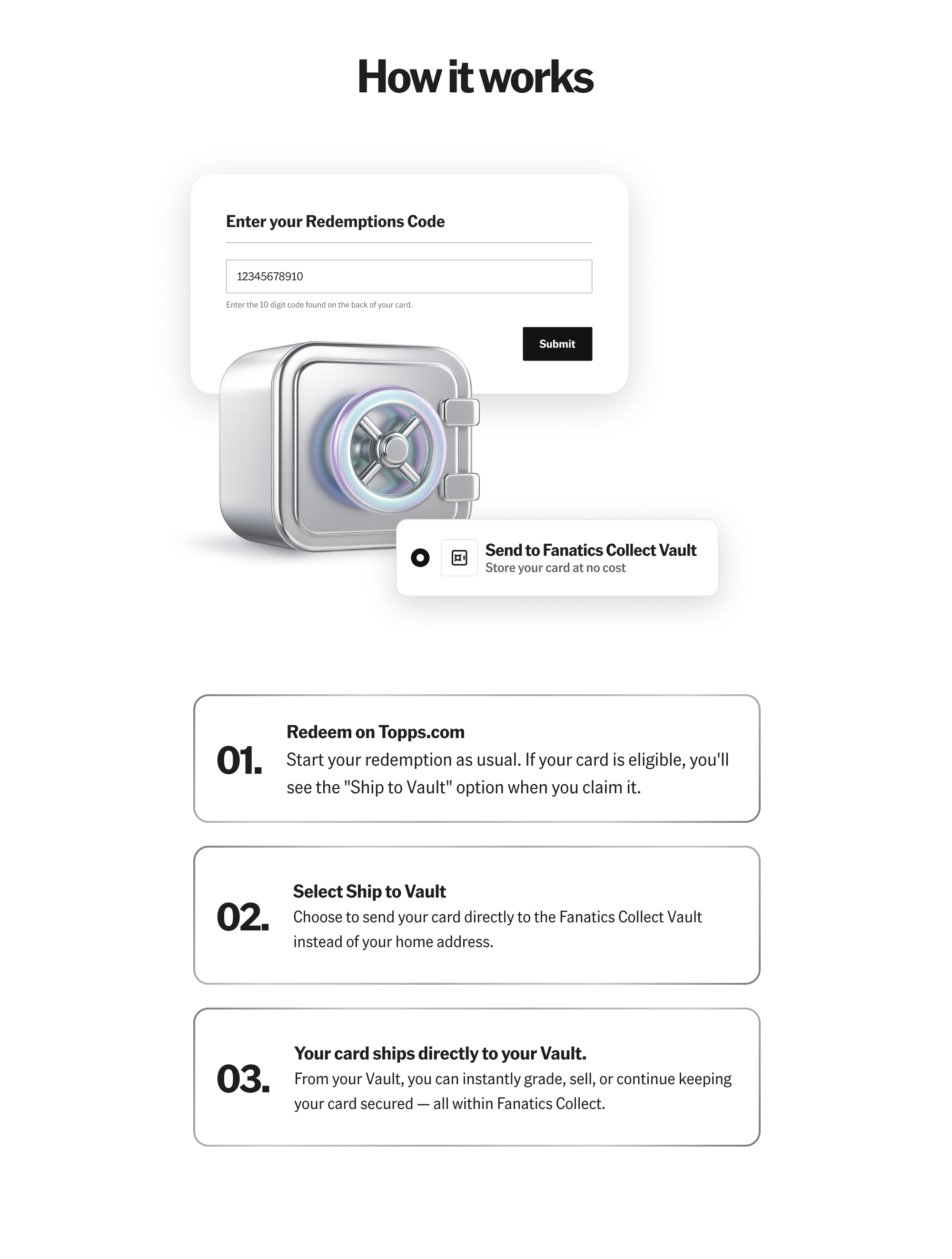
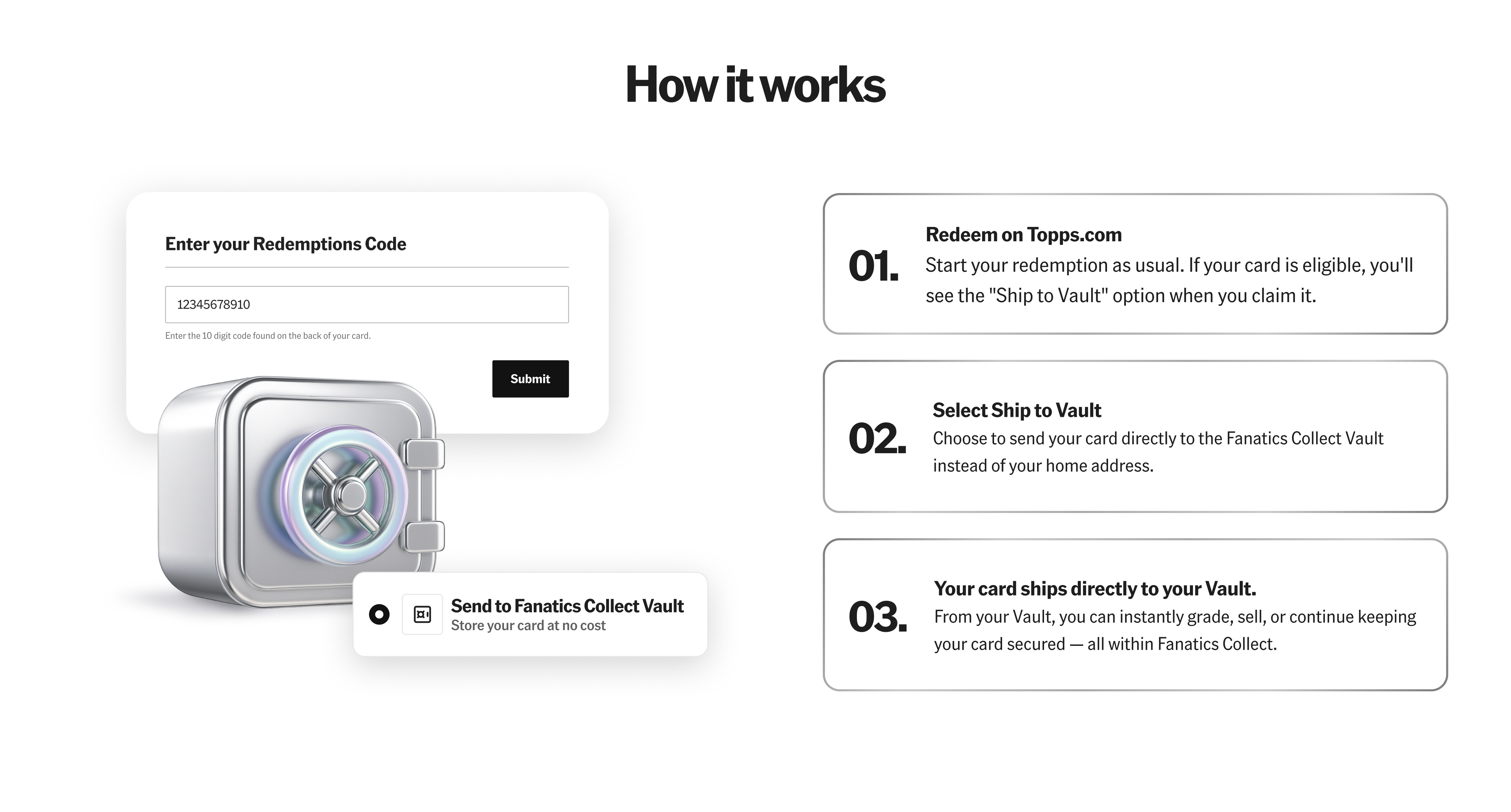
If a card is eligible, the “Ship to Vault” option will appear when you redeem it on Topps.com. If the option does not appear, the card is not eligible.
No. Vaulting is free. Fees only apply if you choose to retrieve the card from the Vault or sell it.
If your card is eligible for shipment selection changes, you can update your preference for a limited time after redeeming. Once processing reaches a certain point, your choice becomes locked and cannot be changed.
You’ll be able to review and update your preference through your redemption flow on Topps.com. If your card qualifies for a change window, the option will be visible until the selection is locked.
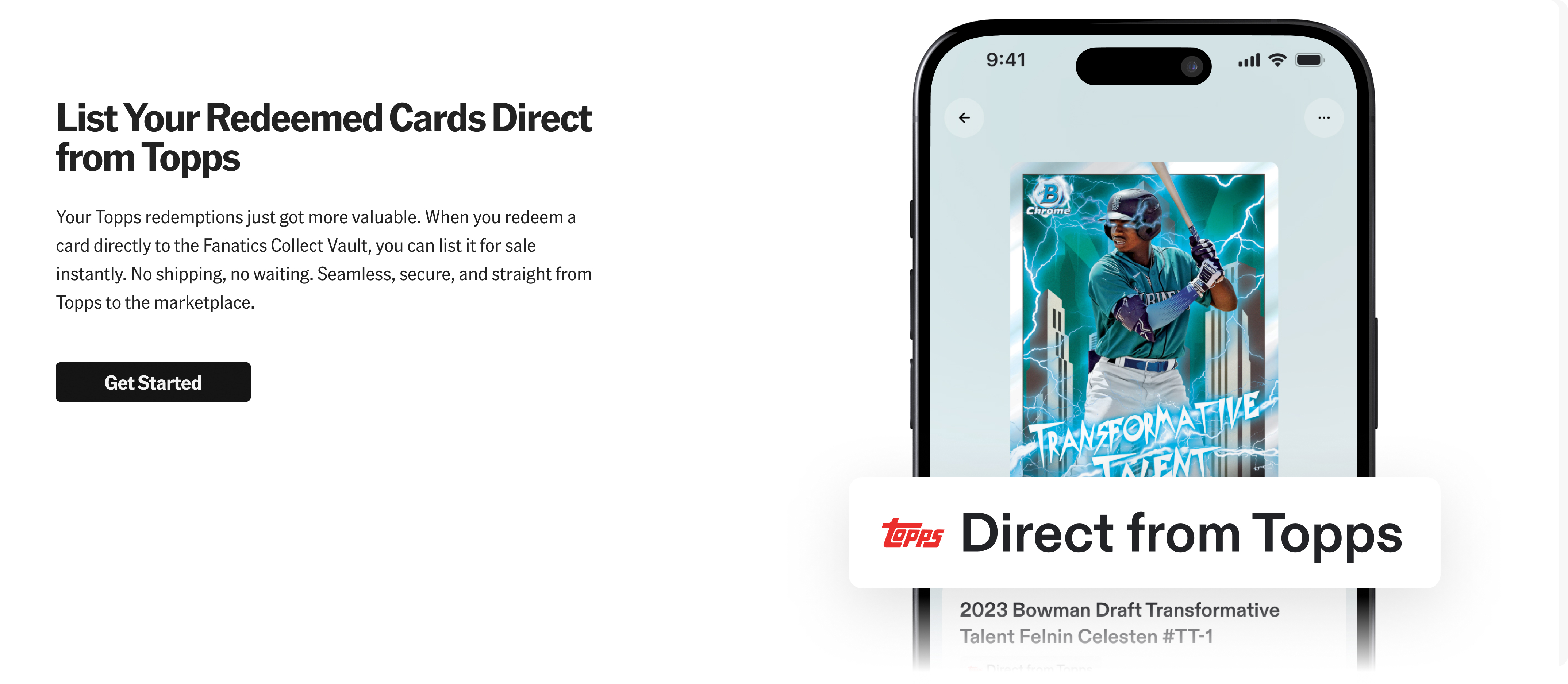
The card is routed to Fanatics Collect. You’ll receive a confirmation email from Fanatics Collect once it’s added to your vault, where you’ll have options to grade, sell, ship, or continue vaulting the card.
Yes. A Fanatics Collect account is required to vault cards, and you’ll need to provide your Vault ID during the redemption process.
To find your account ID, which is also your vault ID, you can follow these simple steps:
- Log in to your Fanatics Collect account
- Click on your initials located on the top right of the screen (or top left if on mobile)
- Your account ID can be found next to your Vault Address - it's listed next to 'ID' in the address field